Phone dies or drains fast in the cold? What iPhone, Pixel and Galaxy do
In short
Your phone said 40% at the bus stop, then went black. Here is what Apple, Google and Samsung say their phones do below freezing, the messages you may see afterwards, and how to tell a cold battery from a worn-out one.
A phone that drains fast or switches itself off in freezing weather is usually protecting its battery, not breaking: lithium-ion batteries deliver less power when they're cold, and iPhones, Pixels and Galaxy phones are all built to shut down rather than run on a battery that can't keep up. Urgency: ignore it once the phone warms up, but fix soon if it happens indoors or keeps happening at mild temperatures, because that points to a worn battery.
What follows applies to current iPhones on iOS 17, iOS 18 and iOS 26, Google Pixel 6 and later (the temperature check arrived in a Pixel software update in December 2024), and Samsung Galaxy phones running One UI. The behaviour and messages come from Apple's support articles "If your iPhone or iPad gets too hot or too cold" and "iPhone battery and performance", Google's Pixel Phone Help article "Check & understand your Pixel's temperature", and Samsung's "Galaxy Battery: Care and Maintenance" page.
What the makers say happens in the cold
All three companies give roughly the same safe range for using a phone: 0° to 35°C (32° to 95°F).
iPhone. Apple says that using an iPhone or iPad in very cold conditions outside that range "may temporarily shorten battery life and could cause your device to turn off." The key word is temporarily: Apple says battery life returns to normal once the device is back at warmer temperatures. Its battery and performance article explains why. A battery's impedance (its internal resistance) rises temporarily when it is cold and when its charge is low, so it may not be able to deliver the burst of power the phone asks for. When that happens, iOS shuts the phone down to protect its electronics.
Google Pixel. On Pixel 6 and later, the phone shows an estimated device temperature and one of four states: Cold, Normal, Warm or Elevated. Google says the Cold state means the estimated temperature is lower than normal, which can happen after time outdoors or near an air conditioner vent, and that if the phone's temperature is below 0°C (32°F) it may shut down suddenly. Google's help page puts this check under Settings > Battery > Battery diagnostics.
Samsung Galaxy. Samsung says extended use or storage below 32°F (or above 95°F) can lead to unexpected shutdowns and shorter battery life, and that in an extremely cold environment the battery voltage can drop further, so the device may shut down temporarily to protect its components. It also says charging is limited when the phone is too cold, as a safeguard. Samsung's advice is to let the phone return to its normal range before using it, and not to store it in below-zero temperatures in winter.
Messages you might see
- "Charging On Hold" on an iPhone (iOS 16 and later) means the phone is too hot or too cold to charge right now. It resumes by itself once the phone is back at a normal temperature. Our guide to Charging On Hold on iPhone covers the other reason it appears, the 80% pause.
- "This iPhone has experienced an unexpected shutdown because the battery was unable to deliver the necessary peak power." This appears in Settings > Battery > Battery Health (Battery Health & Charging on iPhone 14 and earlier) after a power-related shutdown. It means iOS has switched on performance management to stop it happening again. Apple says cold and low charge are temporary causes; a chemically aged battery is the lasting one.
- The Cold state in a Pixel's battery diagnostics, described above.
- A charging-stopped notice on a Galaxy phone about the battery temperature being too low. Samsung documents that charging is limited in the cold, but the wording of the notice varies between models and One UI versions, so go by what your screen says.
What to do, simplest first
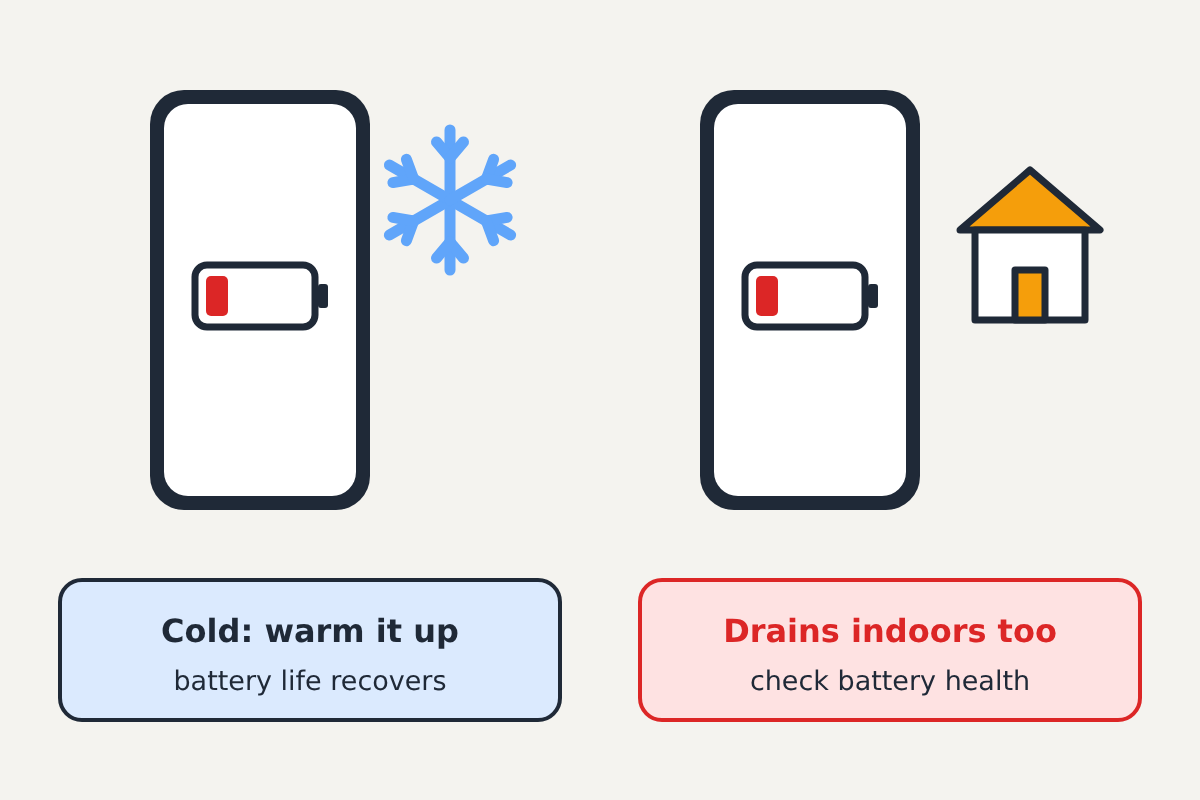
- Warm it up slowly. Bring the phone indoors and let it reach room temperature on its own before you rely on it. Don't put it on a radiator, in front of a heater or under a hair dryer.
- Then charge it. A cold phone may refuse to charge or charge slowly; Apple says charging resumes once the battery is back at a normal temperature, and Samsung says charging is limited in the cold to protect the battery. Once it's warm, plug it in as normal.
- Keep it closer to you outdoors. A phone in an inner pocket stays warmer than one in a bag, a bike mount or a car cup holder. Don't leave it in a parked car overnight in freezing weather; Samsung specifically warns against storing phones below zero.
- Start cold days with a fuller battery. Apple's explanation is that cold and a low charge both raise the battery's resistance, and the two together are when shutdowns are most likely. A fuller battery gives the phone more headroom before it hits that point.
- Check battery health if it happens often. On iPhone, open Settings > Battery > Battery Health and look at Maximum Capacity and any shutdown message. On a Pixel, look in Settings > Battery. Samsung's advice for Galaxy owners who see frequent unexpected shutdowns or a noticeable drop in battery life is to have the phone checked at a service center.
- Get the battery replaced if it is worn. Apple says that when an aged battery has triggered performance management, replacing the battery can help. Use Apple, Google or Samsung repair, or an authorised repair provider, so the battery is a genuine part.
When the cold isn't the real problem
Cold weather exposes a tired battery: a phone that coped fine at 80% capacity in summer may fail on the first frosty morning. These are the signs it's the battery or the phone, not the weather:
- it shuts down or drops sharply indoors at room temperature
- the percentage jumps around, for example from 30% straight to 0%
- the iPhone's Battery Health screen recommends a service
- the back or screen is lifting, or the phone looks swollen
A swollen battery is a stop now: power the phone off, don't charge it, and take it to the manufacturer or an authorised repair shop. Don't press on it or try to open it.
If the phone has been out in the snow or rain, condensation can form when it comes indoors. A "Liquid Detected" alert on an iPhone means the port needs to dry before you charge it; see what to do about Liquid Detected in the Lightning connector. On a Samsung Galaxy the same condensation can set off the "Moisture detected" warning that stops wired charging until the USB-C port is dry.
The same cold snap affects your car. If a dashboard light comes on along with the dead phone, a common one is the tire pressure warning light, since tire pressure drops as the air cools.
Sources: Apple Support: "If your iPhone or iPad gets too hot or too cold", "iPhone battery and performance", "If a Charging On Hold notification appears on your iPhone or iPad". Google Pixel Phone Help: "Check & understand your Pixel's temperature". Samsung: "Galaxy Battery: Care and Maintenance" and "Galaxy Battery: About Battery".
