Phones & Tablets
"App keeps stopping" on Android: what it means and how to fix it
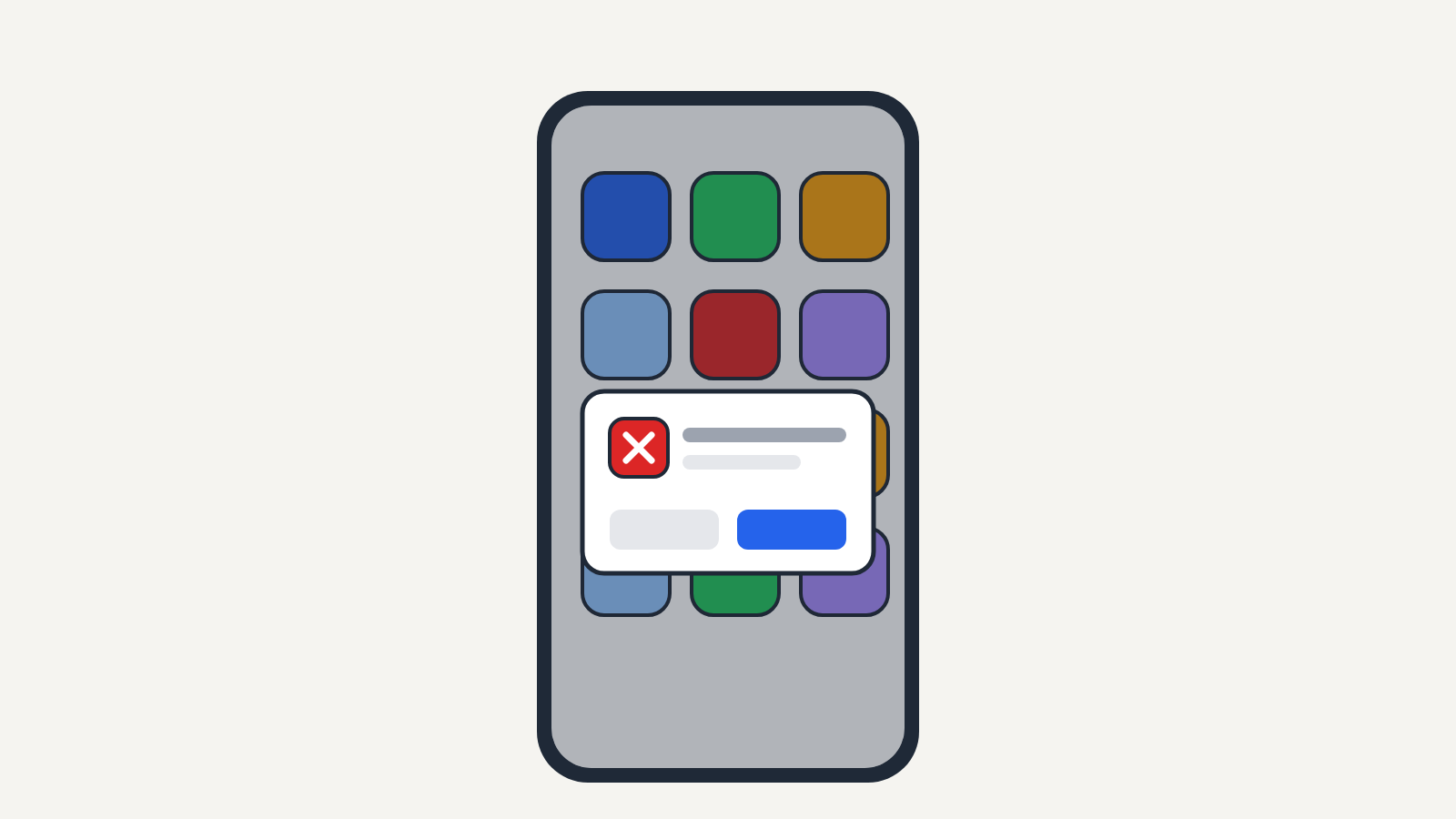
An app keeps stopping message means that Android app crashed. Whether one app or many are affected, and the fixes in order: restart, update, clear cache, update WebView, clear storage and reinstall, plus how to spot fake crash pop-ups.