"iPhone could not be activated" on a new iPhone: what it means and how to fix it
In short
A new iPhone that will not activate is usually waiting on Apple's activation server, your connection or your carrier. Here is how to tell which, what to do on a computer, and what a previous owner's lock means on a used phone.
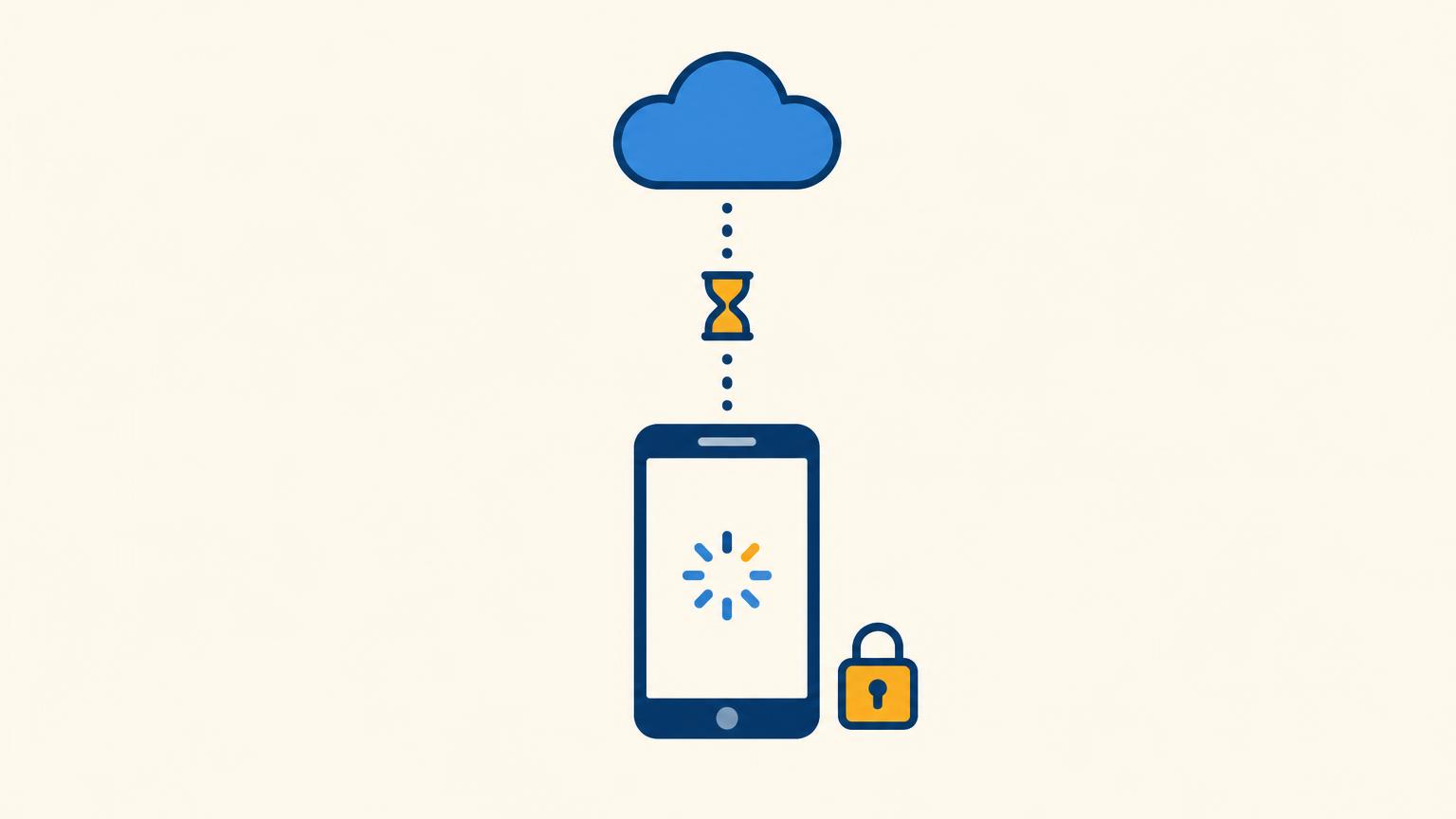
"iPhone could not be activated" means your iPhone couldn't complete the check with Apple's activation server, so setup can't go past that point. Urgency: fix soon, but start by waiting. Apple's own first response is to wait a few minutes and try again. It's a different problem if the phone asks for someone else's Apple Account, or shows "iPhone Locked to Owner". That's Activation Lock, and only the previous owner can clear it.
This applies to iPhone (and Wi-Fi + Cellular iPad) on current iOS versions, based on Apple's "If you can't activate your iPhone or iPad" page. The wording varies a little between iOS versions, and one common form reads: "Your iPhone could not be activated because the activation server is temporarily unavailable." Apple also describes a version saying the server "cannot be reached".
Before you start
Three quick checks decide which section you need:
- Apple's System Status page. Look for iOS Device Activation. If its box isn't green, Apple says to try again later. There's nothing to fix on your side.
- The SIM. If you see "No SIM" or "Invalid SIM", that's a separate error. See our guide to SIM messages on iPhone, and contact your carrier if the phone is new to the plan.
- The prompt. If you're asked for a password you don't recognise, go straight to the Activation Lock section below.
Fixes, simplest first
- Restart the iPhone.
- Connect to a reliable Wi-Fi network if you've been relying on cellular data. Apple recommends this directly.
- If the message says the activation server is temporarily unavailable or can't be reached, wait a few minutes and repeat the first two steps. A gift opened on a holiday morning may need a little patience. Give it a while before moving on.
If it still won't activate: use a computer
Apple's next step is a Mac or PC.
- Make sure the computer has the latest version of macOS, or the latest iTunes on Windows.
- Check the computer's internet connection.
- Connect the iPhone with a suitable cable and find it in Finder or iTunes.
- Wait while the computer detects and activates the phone.
What you see next tells you where you stand:
- "Set up as New" or "Restore from Backup" means the phone is activated. Carry on with setup.
- A message that the SIM or eSIM isn't compatible or is invalid means you should contact your carrier. The phone itself is usually fine. The plan or the SIM needs sorting.
- "activation information was invalid" or "activation information could not be obtained from the device" means Apple recommends recovery mode to restore the phone.
A restore erases the iPhone. That costs nothing on a brand-new phone, but on one you've already filled, make a backup first if you can. If a restore fails with a number, see our page on iPhone restore errors 4013, 9, 4005 and 4014.
"iPhone Locked to Owner" and Activation Lock
On iOS and iPadOS 15 or later, a phone still tied to a previous owner's Apple Account shows "iPhone Locked to Owner" when you turn it on or wake it. During setup it may ask for that person's Apple Account email and password instead.
If the phone came from a family member or a private seller, this is simple to clear as long as you can reach them:
- If they're with you, ask them to enter their password, then erase the phone completely from Settings.
- If they aren't, ask them to sign in at iCloud.com/find on a browser, select the device and choose to remove it from their account.
- Don't accept the phone as finished until you reach the Hello screen. Apple's advice is not to take ownership of a used iPhone until it has been removed from the previous owner's account.
If you have proof of purchase and can't reach the seller, Apple has an Activation Lock support request. A new phone bought from Apple or an authorized reseller shouldn't show this lock at all, so contact the seller if yours does.
There's no legitimate way around this lock for a phone you don't own. Websites and "unlock services" that offer to remove it for a fee are worth avoiding, and you should never pay anyone by gift card to unlock a device. If an unexpected pop-up gives you a number to call, that's a separate scam. Our guide to fake virus warnings explains how to close it safely.
After activation
Once you're through, check your signal before you pack away the box. A new phone may still need its plan moved over: if the status bar shows "SOS" or "No Service", see why that appears and how to get signal back. Keep the receipt and the original box for the return window in case the phone turns out to be faulty.
When to go to Apple or your carrier
Contact Apple Support if System Status is green and the phone still fails on Wi-Fi and on a computer, or if a restore doesn't help. Contact your carrier for SIM and eSIM messages, and for a carrier lock on a phone bought from them. Either can see account details that aren't available to you from the phone.
Sources: Apple Support: "If you can't activate your iPhone or iPad", "Activation Lock for iPhone and iPad", "How to remove Activation Lock". Apple System Status.
