"iPhone needs to cool down before you can use it": what the temperature warning means
In short
The temperature warning locks your iPhone until it cools. What causes it, what the phone limits before it appears, how to cool it safely and when to contact Apple.
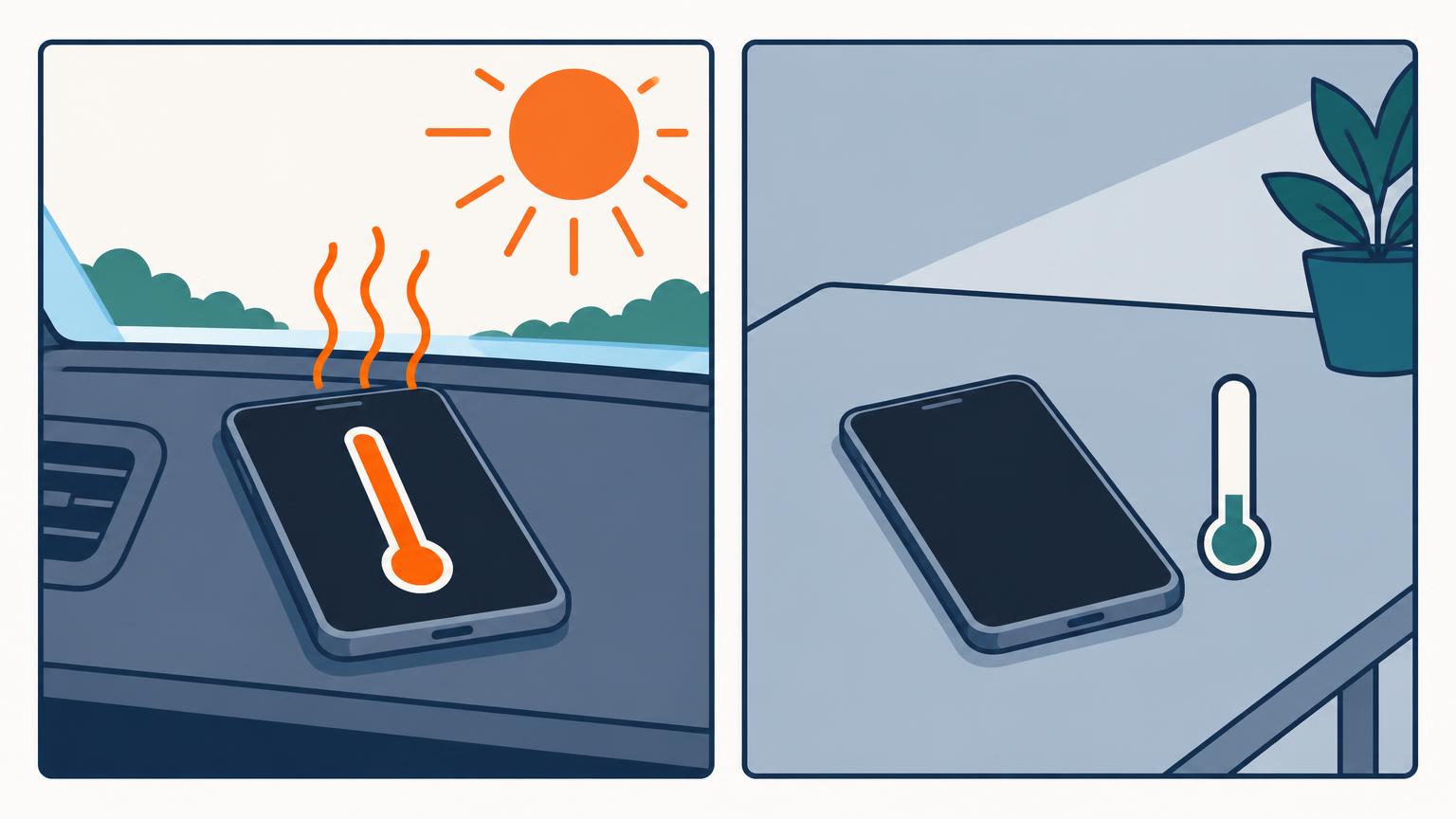
"Temperature: iPhone needs to cool down before you can use it" means your iPhone's internal temperature has gone past the limit Apple sets to protect the battery and the chips, so iOS has locked most of the phone until it cools. You can still make an emergency call from the warning screen.
Urgency: act now, but it is a protection, not a fault. Turn the phone off and move it somewhere cooler. In most cases it is usable again within minutes. The warning stops the phone before heat does lasting harm; repeated or long exposure to heat is what wears the battery.
This applies to iPhone on iOS 17, iOS 18 and iOS 26; iPad shows the same warning with "iPad" in place of "iPhone".
What causes it
The warning appears when heat goes in faster than the phone can get rid of it. The usual causes:
- Direct sun: a phone on a car dashboard, a beach towel or a sunny windowsill
- A hot car, even out of direct sun
- Heavy use in warm weather: navigation, video recording, gaming or a hotspot, especially while charging
- Charging inside a thick case, under a pillow or on a bed
- A long iOS update or restore while the phone is warm
Apple's battery guidance says iPhone works best in ambient temperatures from 16 °C to 22 °C (62 °F to 72 °F), and that exposing it to ambient temperatures above 35 °C (95 °F) can permanently damage battery capacity.
What the phone does before the warning
The full-screen warning is the last step. As the phone warms up, Apple says iOS first starts to protect itself, and you may notice:
- Charging slows or stops (see what "Charging On Hold" means for the related battery message)
- The display dims or goes black
- Mobile signal gets weaker, as the cellular radios move into a low-power state
- The camera flash is temporarily disabled
- Apps, especially games and the camera, slow down
During navigation, the screen may turn off while spoken turn-by-turn directions continue. If you are driving, keep following the spoken directions and pull over somewhere safe before handling the phone.
How to cool it down safely
- Turn it off. Press and hold the side button and either volume button, then drag the power slider. A switched-off phone stops making its own heat.
- Move it out of the heat. Into shade or indoors. In a car, take it off the dashboard and out of the sun; air-conditioning vents blowing on it are fine.
- Take it out of the case and unplug it. A case traps heat, and charging adds more.
- Wait. Leave it on a hard, cool surface such as a table, not on fabric. Once the phone feels close to room temperature, turn it on again.
Do not put it in a fridge or freezer, and do not run it under cold water. A sudden drop in temperature can cause condensation inside the phone, and water resistance is not a reason to rinse a hot phone.
Is the phone damaged now?
Usually not. Once it has cooled, the phone should start and behave normally, and features such as charging and the flash come back by themselves. One episode is unlikely to harm the battery much; it is repeated heat, day after day, that wears it down faster. If you want to keep an eye on it, open Settings > Battery > Battery Health & Charging and note the Maximum Capacity figure, then check it again every few months. A steady slow decline is normal ageing. A sudden drop after a hot spell is worth mentioning to Apple.
Stop it happening again
- Keep the phone out of direct sun, and never leave it in a parked car on a warm day.
- When navigating in the car, mount it in front of an air vent rather than on the dashboard behind the windscreen.
- Avoid gaming, video recording or using a hotspot while the phone is charging in warm weather.
- Take the phone out of a thick case when you charge it in a warm room.
When to contact Apple
Contact Apple Support or book a repair if:
- The warning appears when the phone does not feel hot, or appears again and again in normal room temperature
- The phone gets hot while idle and not charging
- The back or screen bulges, or the screen lifts away from the frame. This can be a swollen battery: stop using and charging the phone and get it checked.
The opposite problem, a phone that shuts down in the cold, has different causes; see why phones die fast in cold weather.
Sources: Apple Support, "If your iPhone or iPad gets too hot or too cold"; Apple, "Batteries: Maximizing Performance".
