"Double NAT detected" or Strict NAT on Xbox: what it means and how to fix it
In short
Double NAT means two boxes on your home network are both translating your connection, and Strict NAT limits who you can play and chat with. How to check your NAT type on Xbox, and Microsoft's fixes in order, from bridge mode and UPnP to port forwarding.
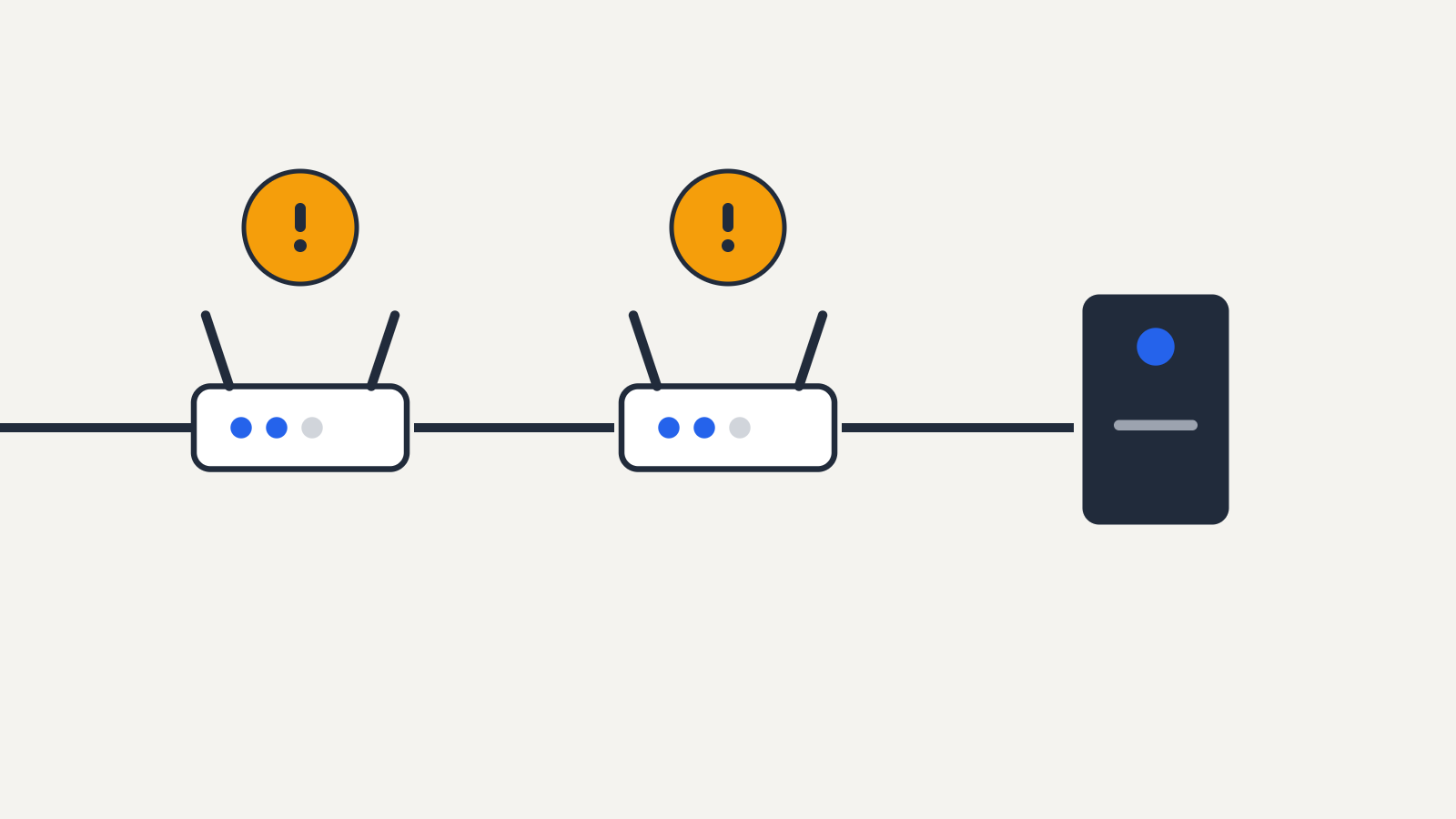
Double NAT detected means two boxes on your home network are each doing address translation (NAT), usually a provider's gateway and a router of your own, and that gets in the way when other players try to connect to your Xbox. NAT Type: Strict is the related result: your network limits who you can connect with. It's a "fix soon" problem only if party chat or multiplayer is misbehaving. There's no danger to your console or network, and ordinary browsing and streaming usually work fine.
These messages appear on Xbox Series X, Series S and Xbox One under Current Network Status. The steps follow Microsoft's Xbox Support page "Troubleshoot NAT errors and multiplayer game issues". Your router's own menus differ by brand and model, so keep its manual or support page open.
Why games care about NAT
NAT lets every device in your home share one public internet address. It works smoothly for connections you start, such as opening a web page, but a connection arriving from outside has to find its way to the right device.
Multiplayer games and party chat often need exactly that, because consoles can connect to each other directly, peer to peer. If your router can't pass those connections to your Xbox, you get the symptoms Microsoft describes: you can't hear friends, or you can't host or join a game.
Here's how Microsoft describes the types:
| NAT type | What it means for you |
|---|---|
| Open | You can play and host with people on any NAT type |
| Moderate | You might not be able to play with some people, and normally won't be chosen as host |
| Strict | You can only play with people who have Open NAT, and can't be chosen as host |
| Unavailable | No party chat or multiplayer in some titles |
Check your NAT type first
Press the Xbox button, then go to Profile & system > Settings > General > Network settings. Your NAT type is under Current Network Status. After each fix below, select Test NAT type on the same screen and stop as soon as it says Open. Microsoft asks you to work in order and not skip steps.
If it says Double NAT detected
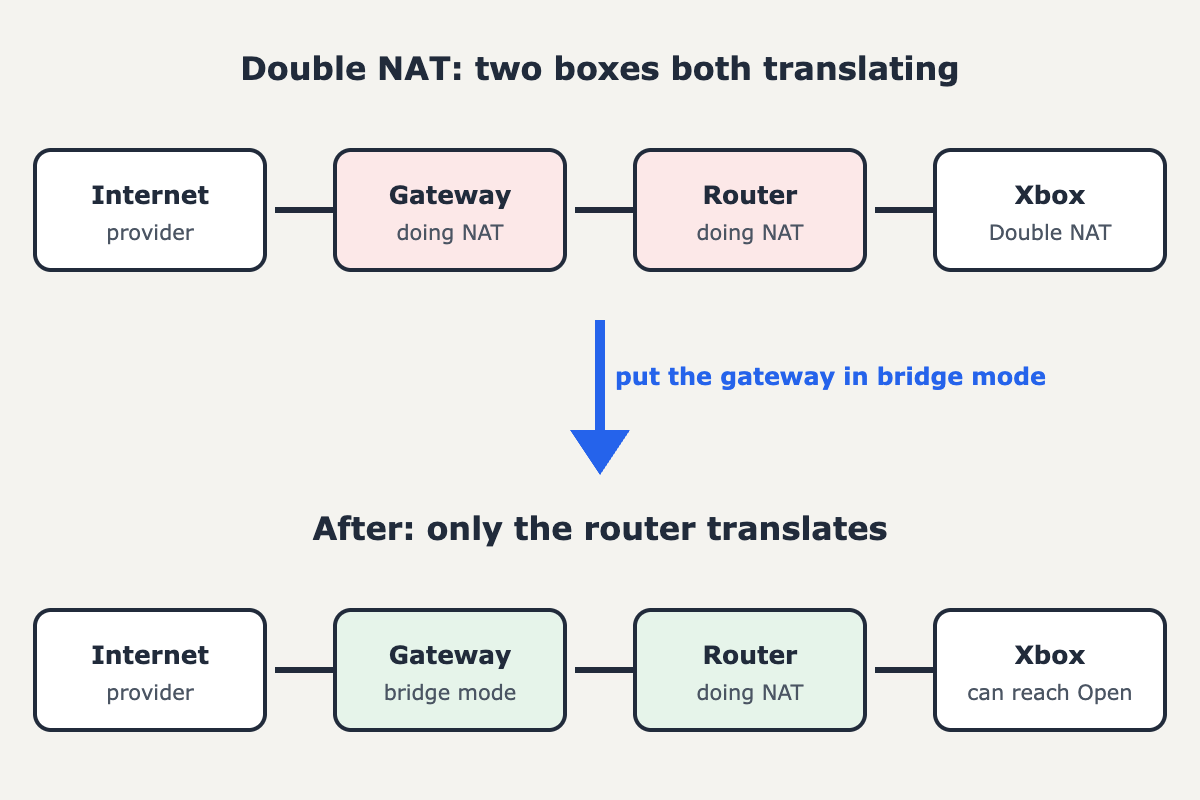
- Put the gateway into bridge mode. A gateway is a modem and router in one box, often supplied by your provider. If you've added your own router behind one, both may be doing NAT. Bridge mode turns off the gateway's routing so your own router handles it. Your provider or the gateway's manual has the steps. Skip this if you only have a plain modem and a router, or just the gateway.
- Check whether your provider gives you a public address. Sign in to your router, open its status or WAN page and note the WAN or internet IP address. Then look up your public IP address on a "what is my IP" site from a computer at home. If the two match, Open NAT is possible, so go to the general fixes below.
- If they don't match, call your provider. Your provider has given you a private address, and Microsoft says Open NAT isn't possible under that setup. Ask for a public IP address. Private addresses fall in the ranges 10.0.0.0 to 10.255.255.255, 172.16.0.0 to 172.31.255.255, and 192.168.0.0 to 192.168.255.255. If the provider can't give you one, Microsoft's stated remedy is changing provider.
If it says Strict or Moderate
Try these in order, testing after each one.
- Refresh UPnP. UPnP lets your console ask the router to open what it needs, and it's usually on by default. Sign in to your router, turn UPnP off and save. Fully shut down your console and unplug your modem and router for 10 to 20 seconds, then plug them back in. Turn UPnP on again, save, and restart the modem and router once more.
- Update the router's firmware. The manufacturer's website has the steps and download for your model.
- Forward the ports. Give the console a fixed address first, preferably with your router's DHCP reservation feature. Then forward these ports to it, as listed by Microsoft: 88 (UDP), 3074 (UDP and TCP), 53 (UDP and TCP), 80 (TCP), 500 (UDP), 3544 (UDP) and 4500 (UDP). Ports are opened on the router, and nothing changes on the console.
- Try the DMZ (perimeter network) setting, as a last resort. It moves the console outside your router's firewall, so all inbound traffic goes straight to it. Use a fixed address, and turn the setting off again if it doesn't help.
- Restore the router to factory defaults. You'll need to set up your Wi-Fi name and password again, so note them first.
Microsoft is firm about one thing: don't combine UPnP, port forwarding and DMZ. Use one at a time, and undo the last before trying the next.
If you see a Teredo error
NAT Type: Unavailable, Can't get a Teredo IP address or error code 0x89231906 when joining a party all have the same root: the console couldn't get a Teredo address, which it uses for party chat and some multiplayer. In your router's IPv6 settings, look for Allow Teredo tunneling or Allow IPv6 tunneling and enable either one, then reboot the router and select Test multiplayer connection. If the error stays, Microsoft suggests setting Enable IPv6 to No if your router has that option, and rebooting again.
PlayStation owners
A PS5 reports its own version as NAT Type 1, 2 or 3. Find it at Settings > Network > Connection Status > Test Internet Connection. Sony's Remote Play troubleshooting page warns that with NAT Type 3 you may not be able to use Remote Play, and tells you to ask your provider about checking or changing it. Double NAT and a shared provider address can cause trouble there too, so the checks above on your router's WAN address still apply.
When to call someone
Call your provider if you can't find bridge mode on their gateway, or if your WAN address and public address don't match. If your whole connection is down and not just multiplayer, go to our guide on Wi-Fi that says connected with no internet first.
Nobody needs remote access to your computer to fix NAT. Anyone offering to fix it that way, through a pop-up or a cold call, should be treated like the scam in our fake virus warning guide. Use the number on your provider's bill or website.
Sources: Xbox Support, "Troubleshoot NAT errors and multiplayer game issues"; PlayStation Support, "How to troubleshoot Remote Play connection issues".
