LG washer IE error: why it won't fill with water and how to fix it
In short
IE on an LG washer means not enough water came in to start the cycle. Check the taps, the inlet hoses, frost and the filter screens, then the drain hose, before calling for a repair.
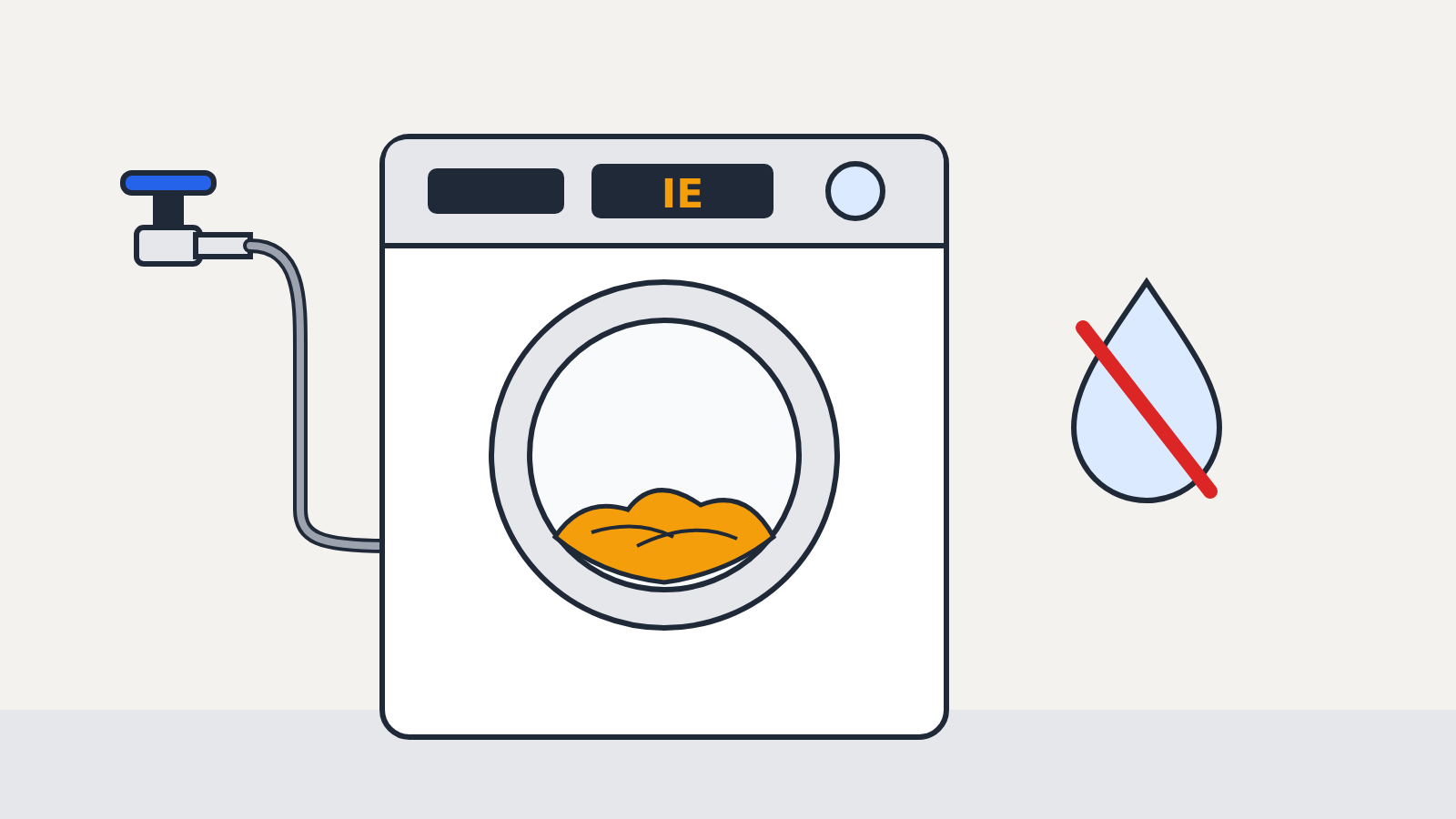
IE on an LG washer means the machine tried to fill with water and not enough arrived in time, so it stopped the cycle. It's a fix-soon problem rather than an emergency: nothing is overheating or leaking because of the code itself, but the wash won't go on until water can get in. Most of the time the cause sits outside the machine, in the tap, the inlet hose or the small filter screen where the hose screws on, and you can check all three yourself.
This applies to LG front-load and top-load washers, washer-dryer combos and WashTower units that show the code on the display. The letters are I and E; on some displays it looks like 1E, and it's the same code. LG's support pages list IE as the water inlet error. One of them, for front-loaders, says the code appears when there still isn't enough water in the tub after about 8 minutes of filling, which is why a tap that's only half open can trigger it as surely as one that's shut.
Safety first
You'll be working with mains water and a plugged-in machine.
- Unplug the washer before you pull it away from the wall or unscrew a hose.
- Turn the tap off before you disconnect an inlet hose, or it will spray. Keep a towel and a shallow bowl under the connection, because the hose holds some water.
- If you see water pooling under the machine, a split hose or a bulge in its side, close the tap and leave it closed until the hose is replaced.
Step 1: Check the taps and your water supply
Find the supply taps behind the washer. Taps get knocked half-shut when a machine is moved, and LG notes that a partly open tap slows the fill enough to show IE. Turn each one anticlockwise until it stops.
If you have two hoses, the blue one is cold and the red or orange one is hot, and each should go to the matching tap. Then run the cold tap at the nearest sink. If that's weak or dry too, the problem is the house supply (a stop valve, work on the mains, an outage), not the washer.
A quick test tells you a lot. Start a cold-only cycle, then a hot-only one. If only one fails, look at that side's tap, hose and filter. Don't worry if a "cold" fill feels lukewarm: LG says its washers can blend hot and cold water to hold the set temperature.
Step 2: Follow the inlet hose for kinks and frost
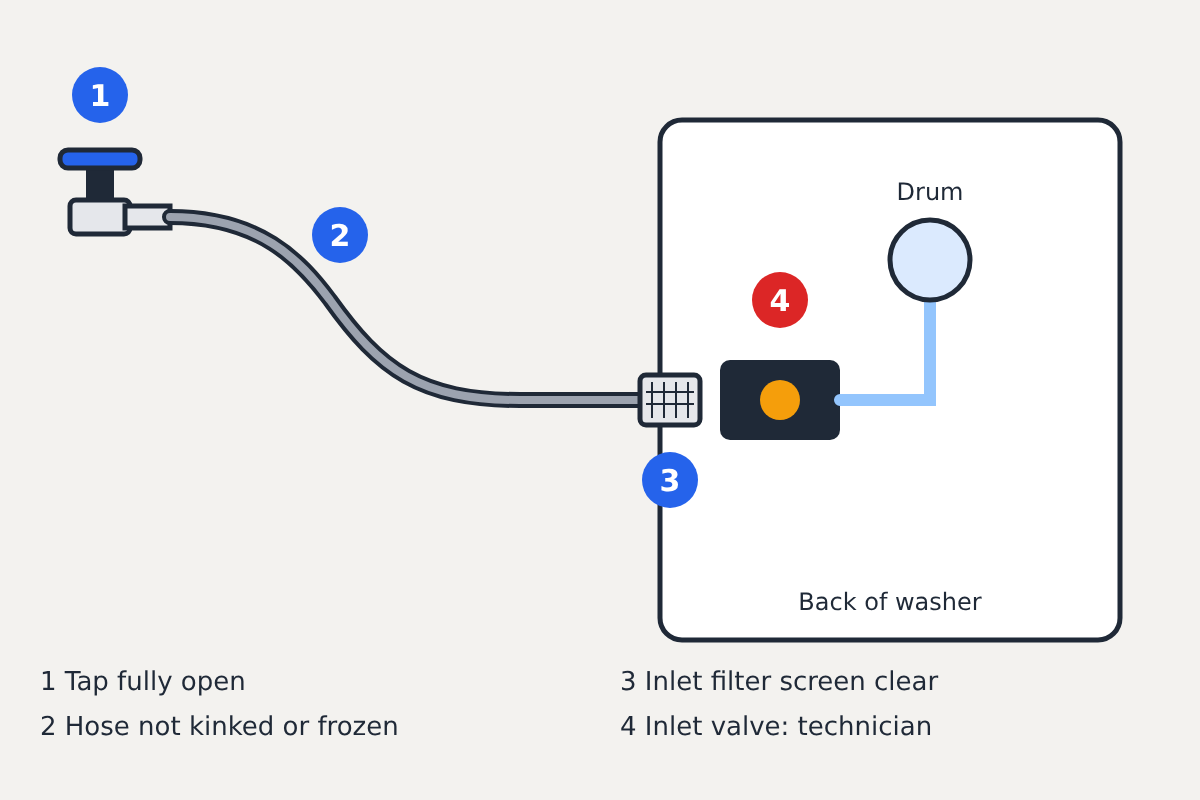
Pull the washer forward and trace each hose from tap to machine. Washers shift slightly as they spin, and a hose pressed against the wall can fold flat and pass only a trickle. Straighten it, and replace it if it's cracked, flattened or bulging.
If the washer is in a garage or an unheated utility room, think frost. At this time of year, IE right after a cold night often means water froze in the tap or hose. LG's front-load page suggests wrapping the tap and hose in a towel soaked in hot water (around 50 to 60°C, 122 to 140°F), or soaking a disconnected hose in warm water below 50°C. Don't use boiling water, a heat gun or a flame on hoses or plastic fittings. LG's top-load page puts it simply: once the lines are above freezing, the washer fills again.
Step 3: Clean the inlet filter screens
Where each hose screws onto the back of the washer there is a small mesh filter that catches grit, scale and rust from the supply. Over time it clogs and slows the fill. LG's instructions:
- Turn off the tap and unplug the washer.
- Unscrew the inlet hose from the washer (anticlockwise).
- Pull out the filter with needle-nose pliers, gripping the rim so you don't tear the mesh.
- Scrub it with an old toothbrush under running water.
- Push it back in, refit the hose and tighten it by hand, then open the tap slowly and check for drips.
Do both hoses if you have two. If the filter is torn or won't come clean, a replacement is a cheap part; your model number is on a label inside the door frame or on the back.
Step 4: Check the drain hose, because it can cause a fill error
This sounds backwards, but it's in LG's own IE troubleshooting. If the drain hose sits too low, or is pushed too far down the standpipe, water siphons out of the drum as fast as the washer lets it in, and the machine never reaches its fill level.
- LG's top-load page says don't push the hose more than 4 inches (10 cm) into the drain pipe.
- The front-load page says the hose end must not sit under water, and if it has popped out of its holder, clip it back in place.
The same hose is the first thing to check when the washer has the opposite problem and won't empty: see the LG OE drain error.
Step 5: Reset and test
Unplug the washer for a minute, plug it back in, and start a Rinse+Spin with the drum empty. Listen in the first minute: you should hear water rushing in through the detergent drawer. If it fills and finishes, you're done.
When IE means a repair
If the taps are open, the pressure at the sink is normal, the hoses and filters are clear and the drain hose is set right, but IE keeps coming back, the inlet valve (LG calls it the water supply solenoid) has probably failed or isn't being told to open. That's a job for LG service or a qualified appliance technician. Opening the cabinet yourself can affect the warranty, so check your cover first.
One thing to know before you book: LG's support library warns that a service visit for IE caused by something outside the machine, such as a closed tap or a supply outage, may be charged. That's another good reason to go through steps 1 to 4 first.
Codes people mix up with IE
- FE is the opposite: too much water. Turn off the taps and unplug the washer, because it can point to a valve that won't close.
- OE is a drain problem: water can get in but not out.
- PE is a water level sensor fault and needs a technician.
If you have a Samsung washer showing a similar fill fault, its code is different and so are a couple of the checks: see Samsung's 4C and 4E water supply error.
Sources: LG US support library, "LG Top Load Washer - Troubleshooting an IE Error Code", "If Your Front Load Washer Is Not Filling with Water and Shows an IE Error Code" and "Why is There No Water in My Front Load Washing Machine?".
