Samsung washer 4C (or 4E) error: why it won't fill and how to fix it
In short
A 4C or 4E code on a Samsung washing machine means it is not getting enough water. Check the tap, the inlet hose and the mesh filter, in that order.
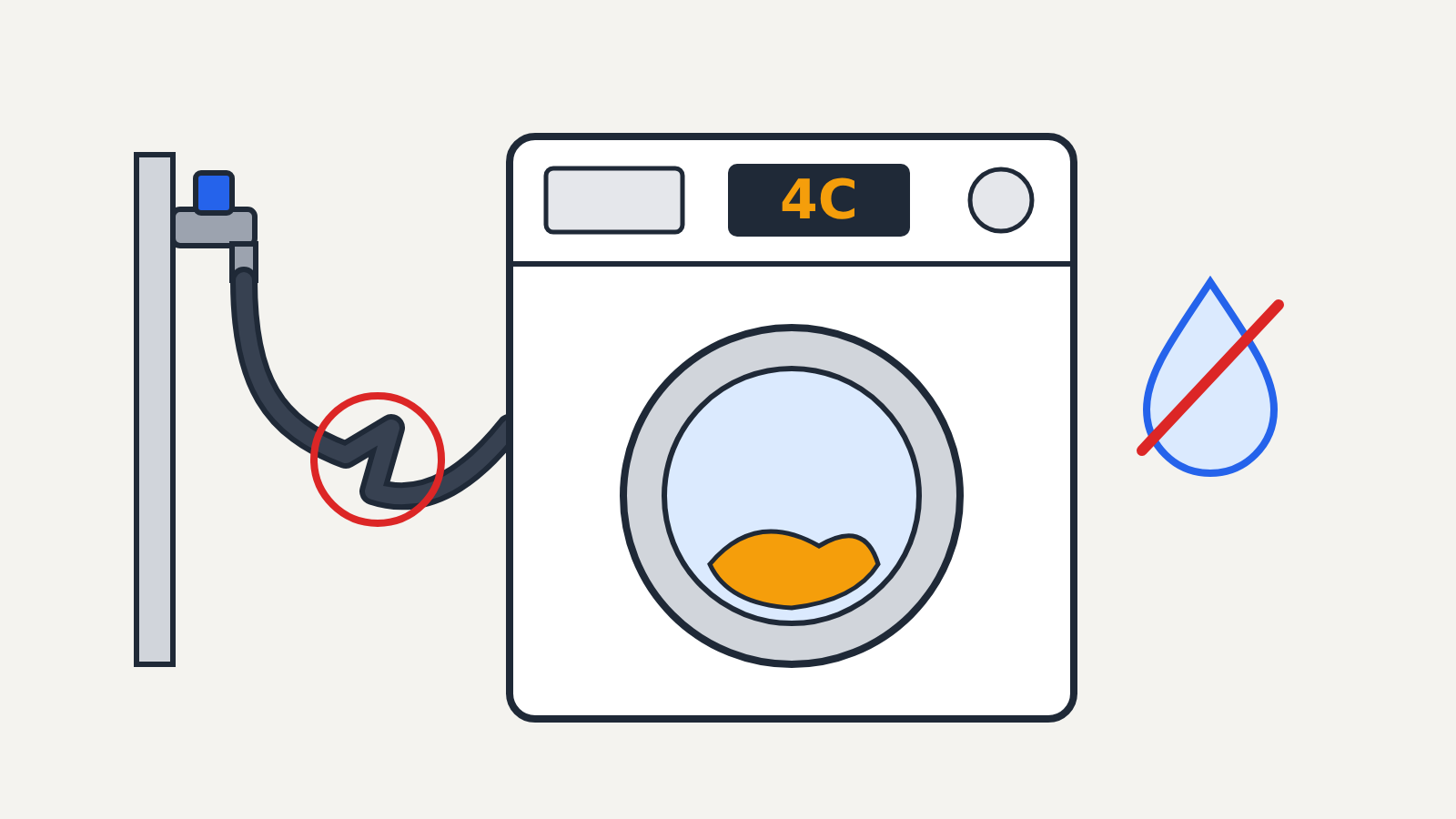
A 4C code on a Samsung washing machine means the washer is not getting enough water to start or finish filling. It is not urgent and nothing is broken in most cases: the usual cause is a closed or half-open tap, a kinked inlet hose, or a clogged mesh filter where the hose meets the machine. You can fix it yourself in about fifteen minutes with the steps below, starting with the easiest.
This applies to Samsung front-loading and top-loading washers. Older models show the same fault as 4E, and some regional models show 4C1, NF or NF1. Samsung's own support pages treat all of them as the same water supply problem. If your display shows something else, check the error list in your model's manual, because Samsung codes are not shared across every product line.
Safety first
You will be working near water connections and a mains-powered machine. Switch the washer off and unplug it before you pull it away from the wall or disconnect anything. If you see water pooling under the machine or a split hose, close the tap first and leave the hose off until it is replaced.
How urgent is 4C?
Fix it soon. The washer stops the cycle so it does not run without water, so there is no damage from leaving it paused. Your laundry may be sitting with detergent on it, though, so clear the fault the same day and run a rinse.
Step 1: Check the tap
Find the supply tap behind or beside the washer and turn it fully open. Taps get knocked half-closed when the machine is moved or cleaned behind. If you have separate hot and cold taps, open both and make sure each hose goes to the matching inlet on the back of the washer (they are usually marked or colour-coded).
Then restart the cycle. If water now flows in, you are done.
Step 2: Look for kinks in the inlet hose
Unplug the washer, ease it forward, and follow the inlet hose from the tap to the machine. A hose squashed against the wall or bent sharply behind the cabinet can let through only a trickle. Straighten it, and replace it if it is cracked, flattened or bulging. Samsung names a blocked or kinked supply hose as the most common cause of 4C.
Step 3: Check your water pressure
Run the tap nearest the washer. If the flow is weak, the washer may be fine and the problem is upstream: another appliance drawing water, work on the mains, or a partly closed stop valve. Samsung's UK support page gives a working range of 0.5 to 8 bar for the supply to its washers. Most homes are inside that range, so treat low pressure as a cause only if other taps are weak too.
Step 4: Clean the mesh filters
Each inlet has a small mesh screen that catches grit and scale from the supply. Over time it clogs and slows the fill until the washer gives up and shows 4C. Samsung suggests cleaning these screens at least twice a year.
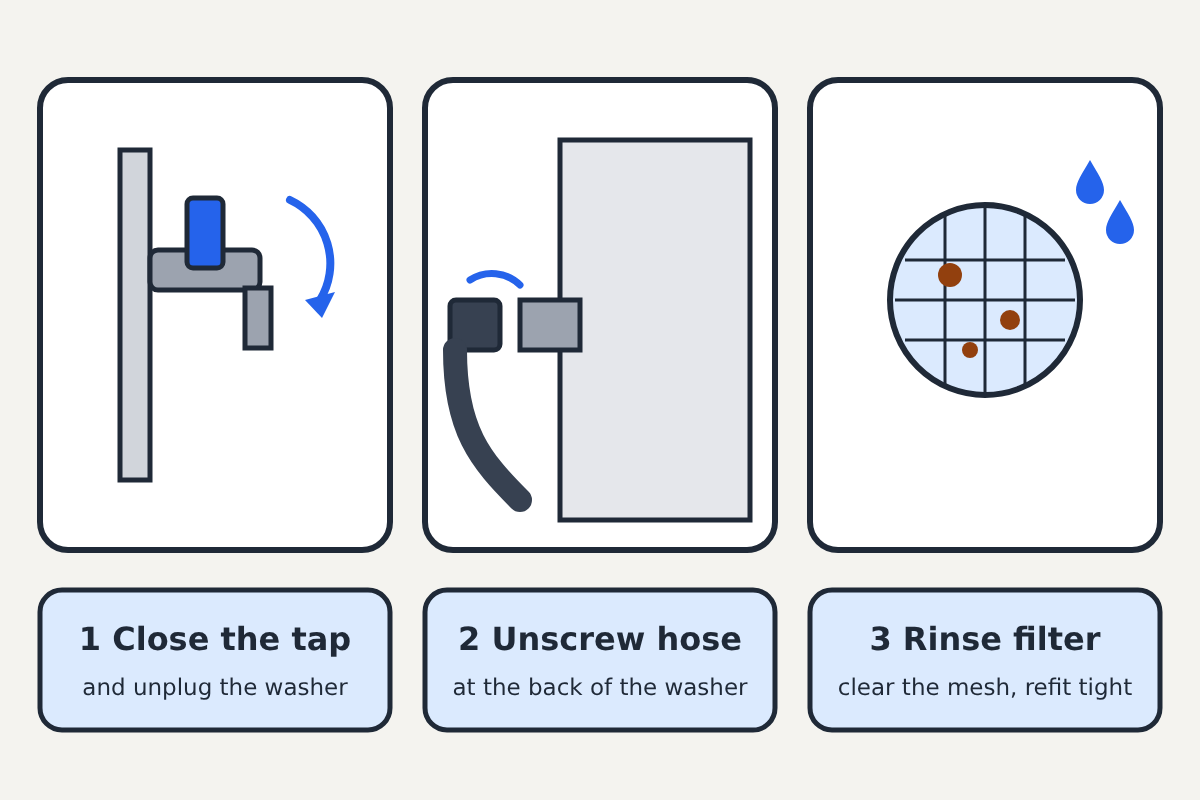
- Close the tap and unplug the washer.
- Put a towel and a shallow bowl under the back of the machine, then unscrew the inlet hose from the washer. On some models there is also an L-shaped fitting at the inlet; remove it the same way.
- Pull out the mesh filter with your fingers or small pliers, holding it gently so the mesh is not torn.
- Rinse it under the tap and brush off any grit or white scale.
- Push it back in, refit the hose, and tighten it firmly by hand.
- Open the tap slowly and check the joint for drips before you push the washer back.
Your model's manual shows exactly where the filter sits. Some top-loaders have it in the hose end rather than in the machine.
Step 5: Clear the detergent drawer
Samsung also lists a clogged dispenser drawer as a cause of 4C, because the fill water flows through it. Pull the drawer out (most have a release tab), rinse away caked powder or softener, and check the opening it slides into for buildup.
Step 6: Check how the drain hose is fitted
This one surprises people. Samsung says the drain hose should not be pushed more than about 6 inches (15 cm) into the standpipe, and it should not form an airtight seal with it. A hose pushed too far down or sealed into the pipe can upset how the washer fills, so loosen and shorten it if needed.
Step 7: Reset and test
Unplug the washer for a minute, plug it back in, and start a Rinse + Spin cycle with the drum empty. Watch for water entering in the first minute.
When to call Samsung
If 4C comes back after all of the above, with the tap fully open and good pressure, the inlet valve or a sensor in the washer may have failed. That is a repair for Samsung support or an authorised technician, especially if the washer is still under warranty, since opening the cabinet yourself can affect your cover.
If your dishwasher is showing a code too, see our guide to the Bosch dishwasher E15 leak warning, which is a water fault of a very different kind.
Sources: Samsung support pages on 4C, 4E and NF washing machine codes (UK, Ireland, Saudi Arabia, UAE and Malaysia editions).
